
How to Login to ShopBack for Business - Merchant Portal
To help you navigate your way through ShopBack, be sure to checkout our ShopBack for Business portal to get insights of your business performance, sales transactions and customers sales.
How to login to ShopBack for Business Portal?
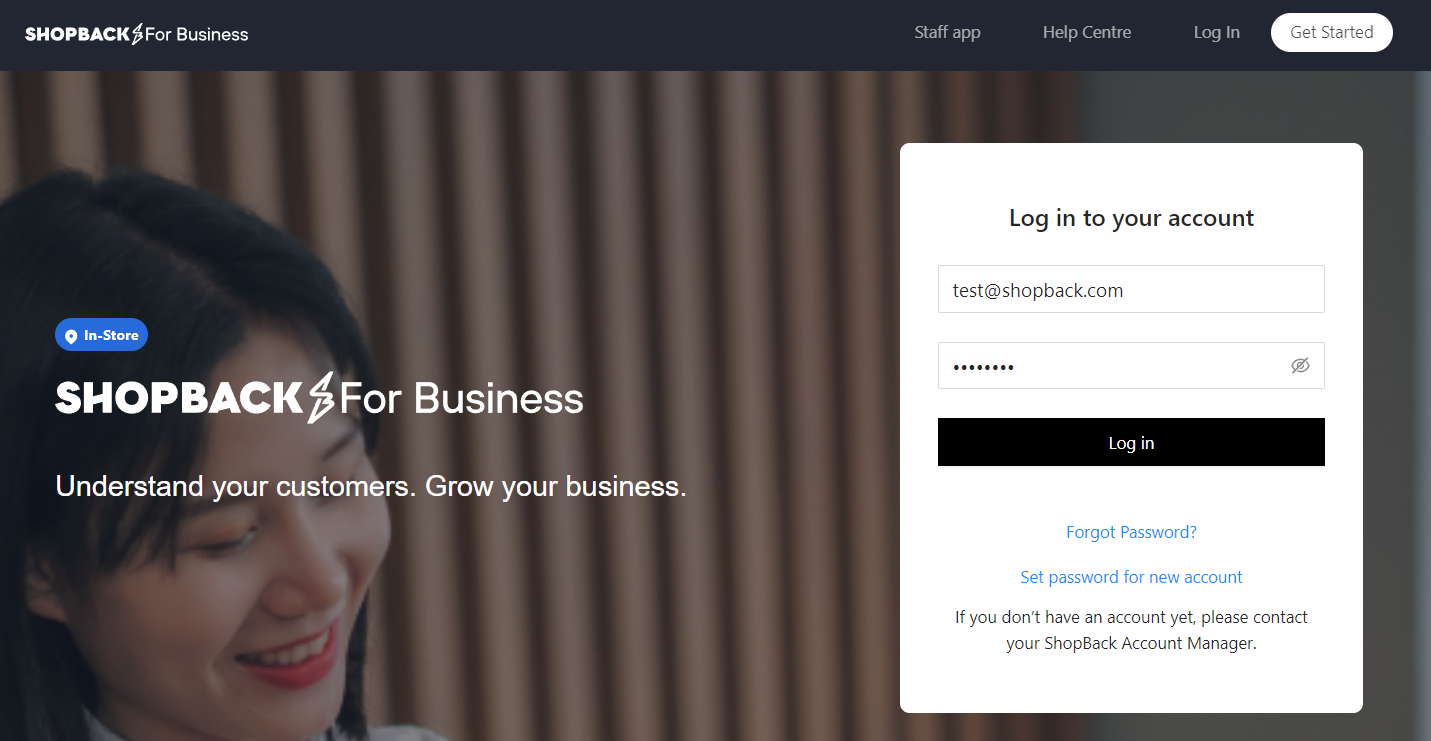
Step 1: Go to login page https://business.shopback.sg/signin
Step 2: Click on "Set password for new account".
Step 3: Enter your business email address.
Step 4: Check your email for instructions on resetting your password.
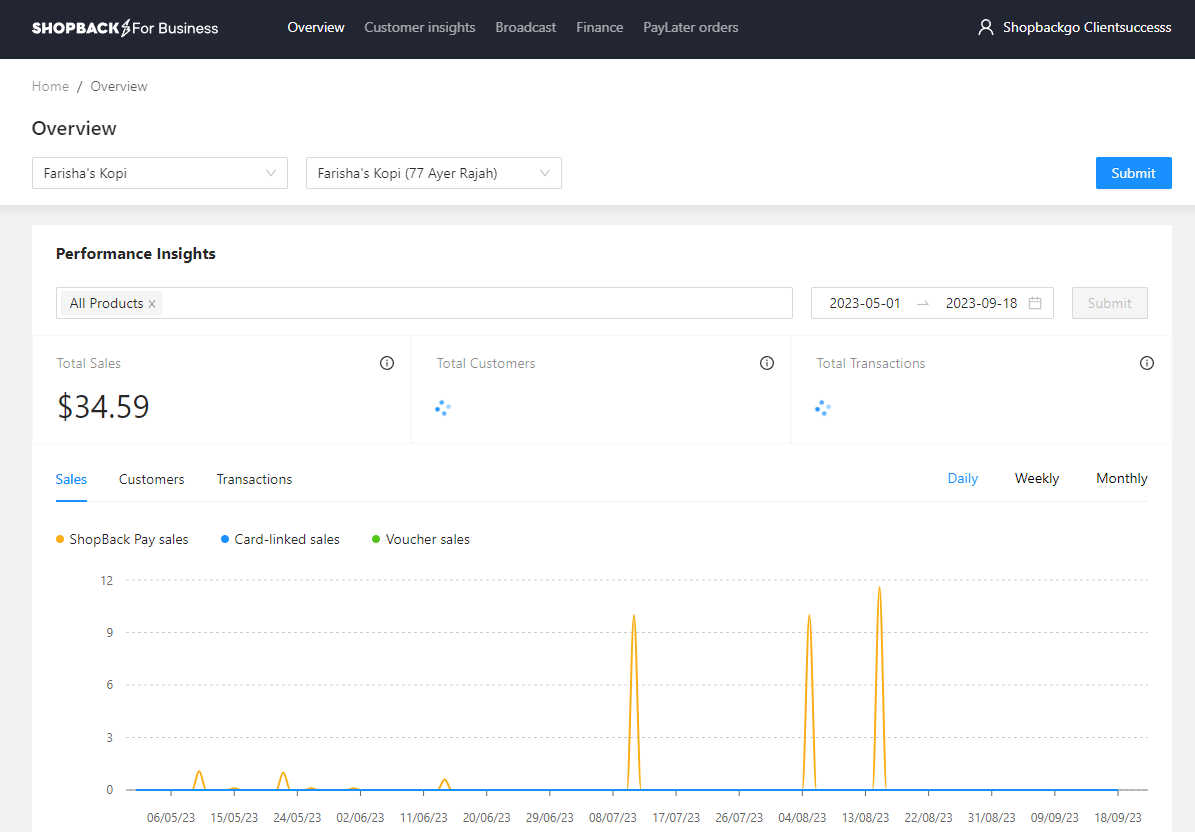
Step 5: Reset your password and you're logged in
Take note
- The portal email and password is similar to the Manager's Login on ShopBack Staff App
- Outlet/site selections will appear in the portal once your outlet/site has been onboarded.
How to Reset Password?
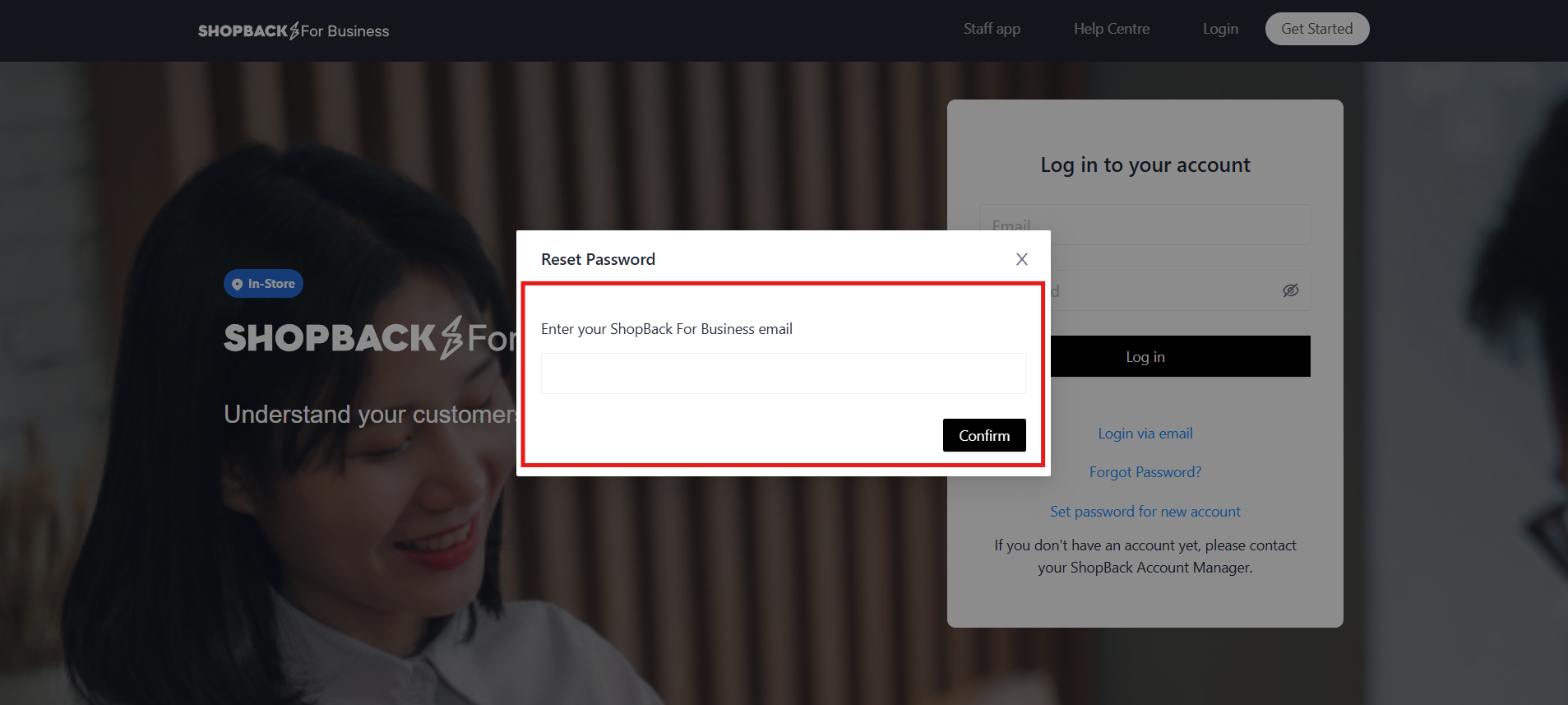
Step 1: Go to login page and click on "Forgot Password" and for new user please select “Set password for new account”
Step 2: Key-in your registered email with ShopBack
Step 3: Go to your email inbox and clink on the link to reset your password.
Step 4: Reset your password and you're logged in!
Contact our Merchant Support
If you have any questions or need help with your account, please do not hesitate to click into our help center for FAQs or contact us for support below:
Updated 3 months ago